Submit a diagnostic report in iOS
These steps apply to the RingDNA iOS app and show how to submit a diagnostic report. A diagnostic report is helpful if you encounter an issue in the iOS app. It includes logs that help our support team identify and troubleshoot the problem.
Submit Diagnostics
- Tap the Settings tab in the RingDNA iOS App.

- Tap Send Diagnostics.

- Tap the Mail icon in the app row.
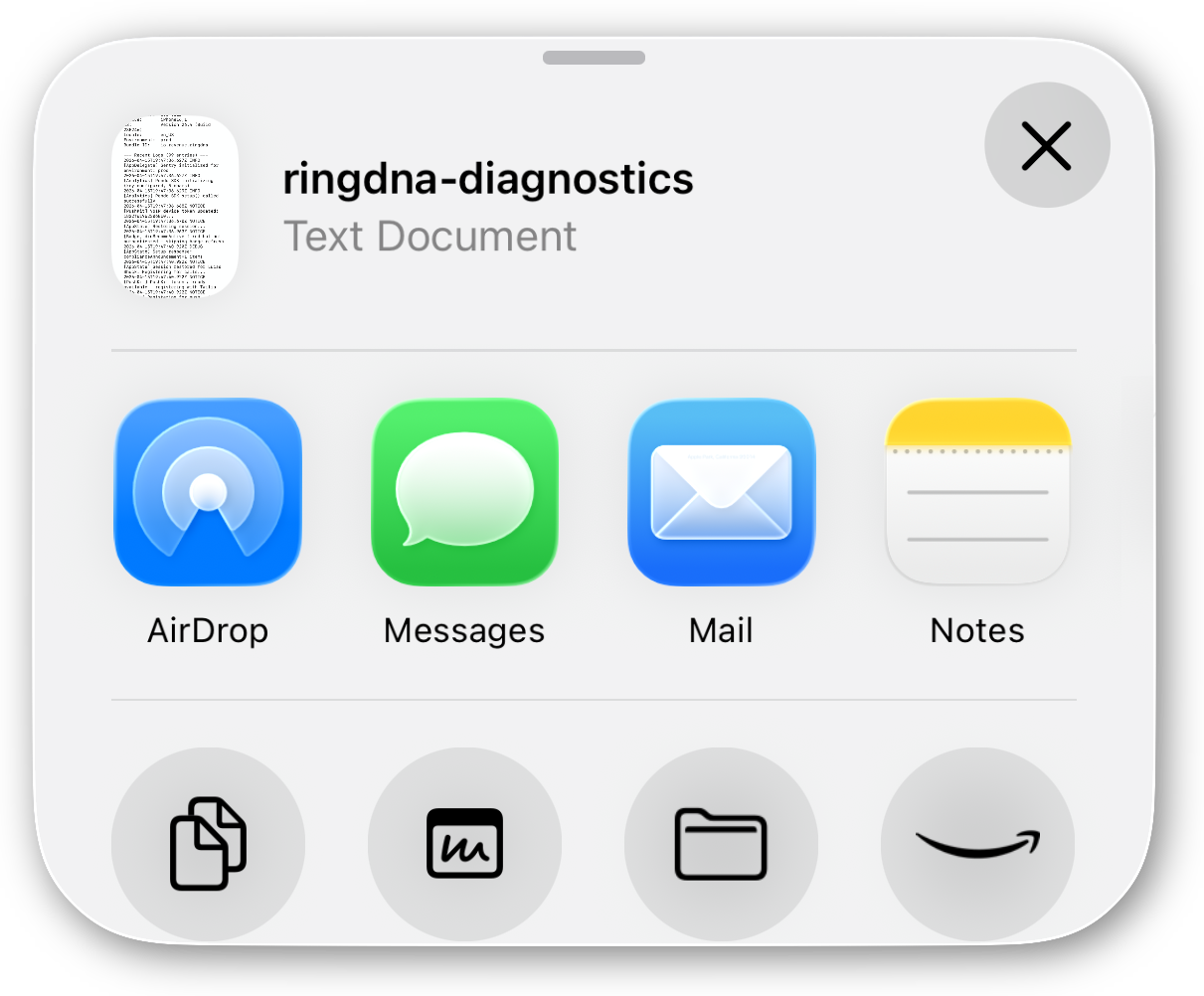
- Send an email to
support@revenue.iowith the diagnostic log file attached and a description of the issue.
Note: You can also attach a screenshot or screen recording to help support troubleshoot faster.