Call Flows
A call flow is Revenue.io’s drag-and-drop IVR (Interactive Voice Response) builder. It defines how inbound calls are routed — from the moment a caller dials your number to the moment they reach an agent.
Call flows are incredibly flexible and can be as simple or as complex as you need. Whether you’re routing calls to a single user based on the time of day, building nested branching logic, or you’re a Salesforce Developer that needs to query Salesforce data directly, the documentation below walks you through everything you need to know.
How Call Flows work
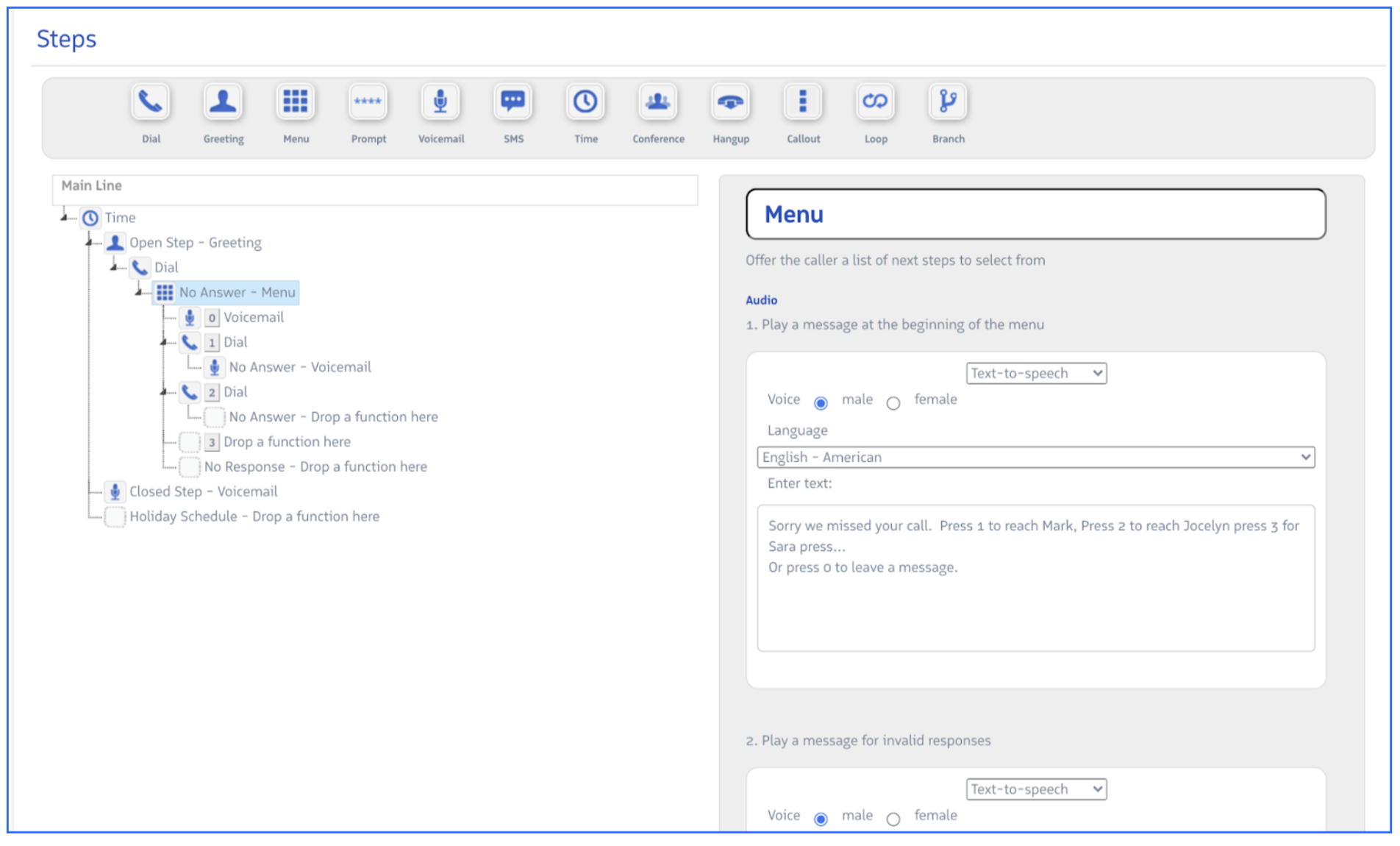
Call flows are built by connecting steps in sequence. Each step performs a specific action — play a greeting, present a dial-pad menu, check the time of day, look up a Salesforce field value, or ring a queue.
When a call enters a flow, Revenue.io executes each step in order. Most steps produce one or more branches — paths the call can take depending on an outcome:
- A Time step branches to “Open” or “Closed” based on current business hours
- A Menu step branches based on which digit the caller pressed
- A Branch step routes based on the caller’s area code, country code, or a value returned from Salesforce
When no branch condition is met, most steps fall through to a no response default path. This prevents calls from getting stuck mid-flow.
See Call Flow Steps for a full reference of available step types.
The Call Flow builder
Navigate to the Admin Console and select RingDNA > Call Routing to view your account’s call flows and create new ones. Call flows are built using a visual drag-and-drop editor — steps can be added without writing code.
Configure a Call Flow
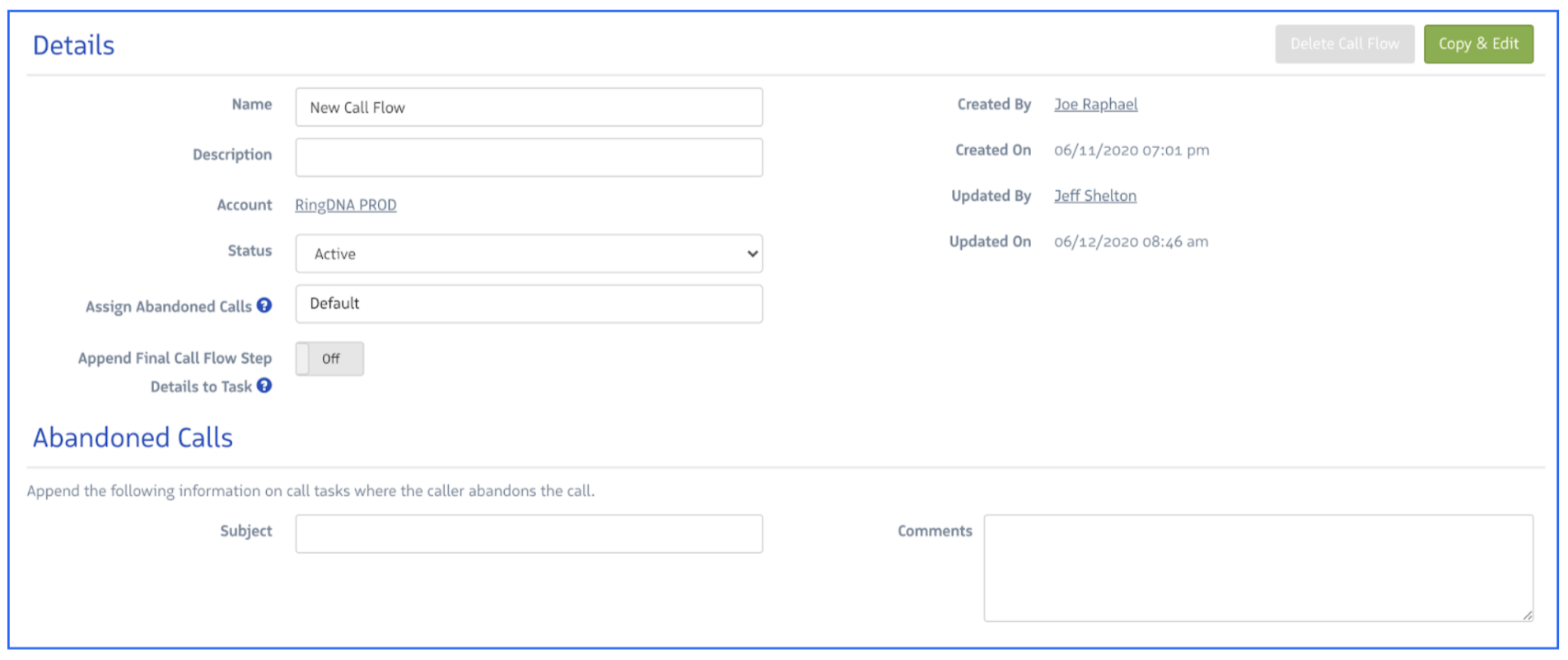
Each call flow has a Details panel where you set its name, behavior, and metadata.
| Field | Description |
|---|---|
| Name | Identifies the call flow in the admin UI and Salesforce reports. |
| Description | Notes on the flow’s purpose and routing logic. |
| Account | The Revenue.io account the flow belongs to. |
| Status | Set to Paused to make the flow eligible for deletion. Pausing does not affect live call routing. |
| Assign Abandoned Call | The user who receives Salesforce tasks for abandoned calls. Defaults to the Salesforce connect user if left blank. |
| Append Final Call Flow Step Details to Task | Adds the caller’s last step position to the resulting Salesforce activity — useful for understanding where callers dropped off. |
Abandoned calls
An abandoned call is one where the caller hung up while inside an active call flow step before reaching an agent. You can configure what gets logged to Salesforce when this happens.
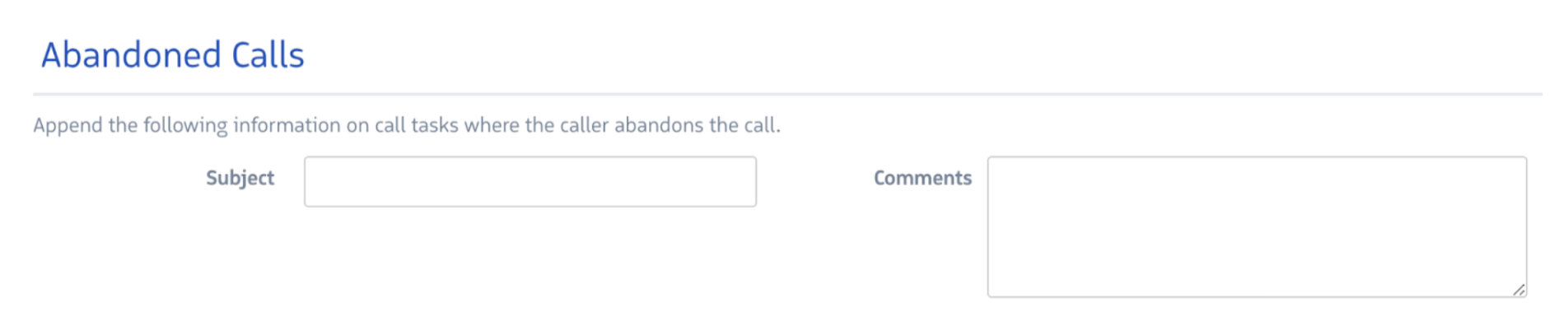
- Task Subject — Custom subject for the Salesforce activity, making it easy to filter and report on abandoned calls.
- Task Comments — Additional context logged with the activity.
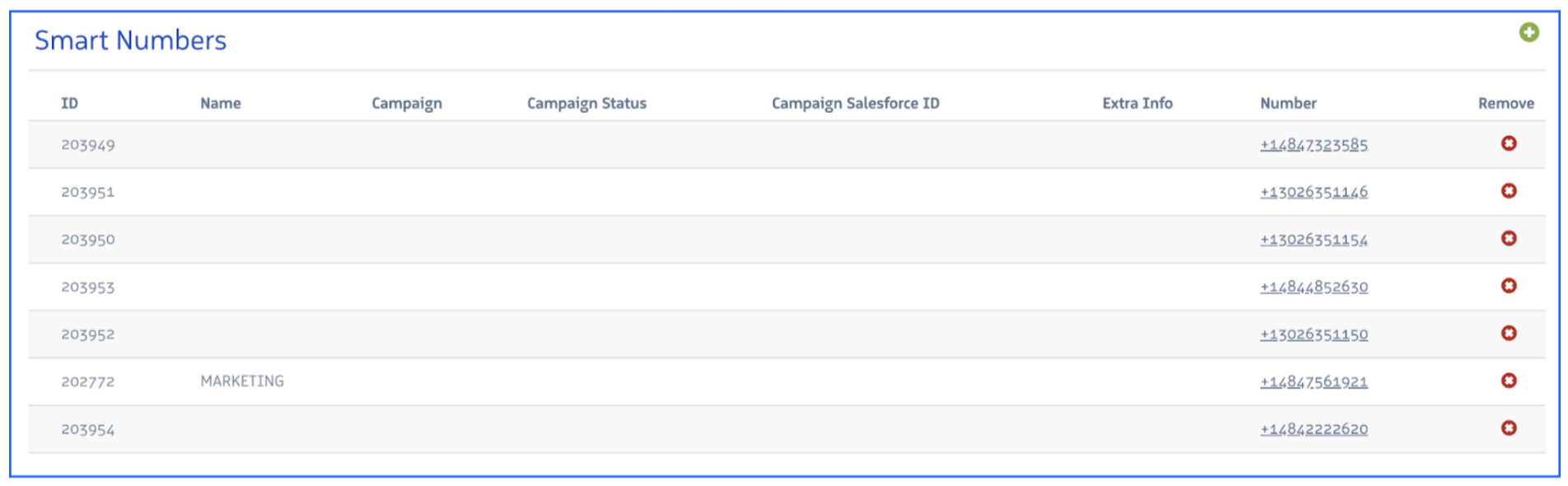
Smart Numbers
A Smart Number is a phone number assigned to a call flow. When a caller dials that number, Revenue.io triggers the flow. You can assign multiple numbers to a single flow — for example, regional numbers that all route through the same IVR experience.