Installing the RingDNA extension
Installing the RingDNA extension
Install the RingDNA Communications Hub extension from the Chrome Web Store and pin it to your toolbar so you can launch the RingDNA Dialer directly from your browser.
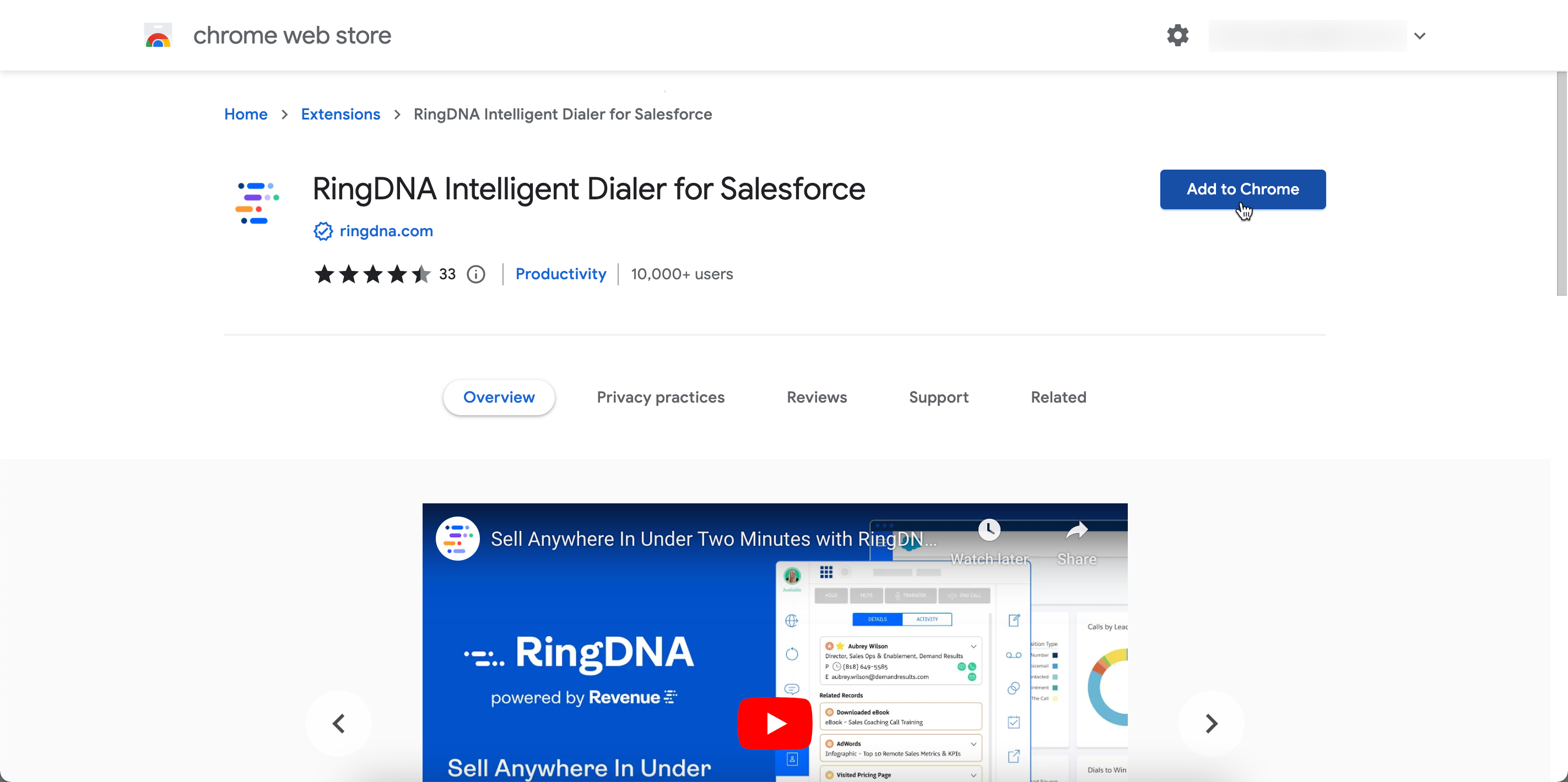
Navigate to the Google Chrome Web Store and search for the “RingDNA Intelligent Dialer for Salesforce” extension.
Click the Add To Chrome button.
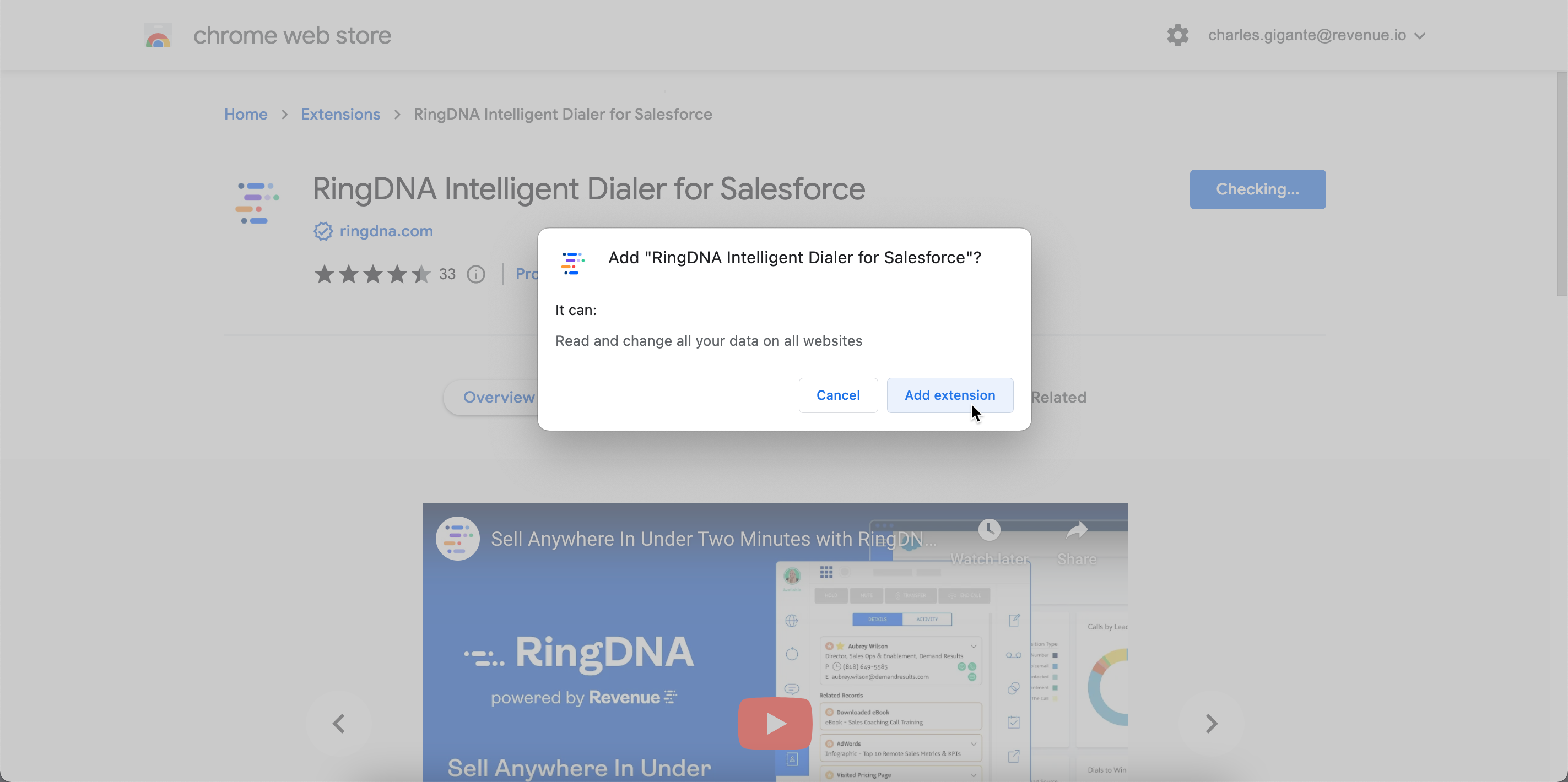
Click Add Extension.
In Google Chrome’s toolbar, click the puzzle-piece icon and scroll down to RingDNA Intelligent Dialer for Salesforce. Click the pin icon.
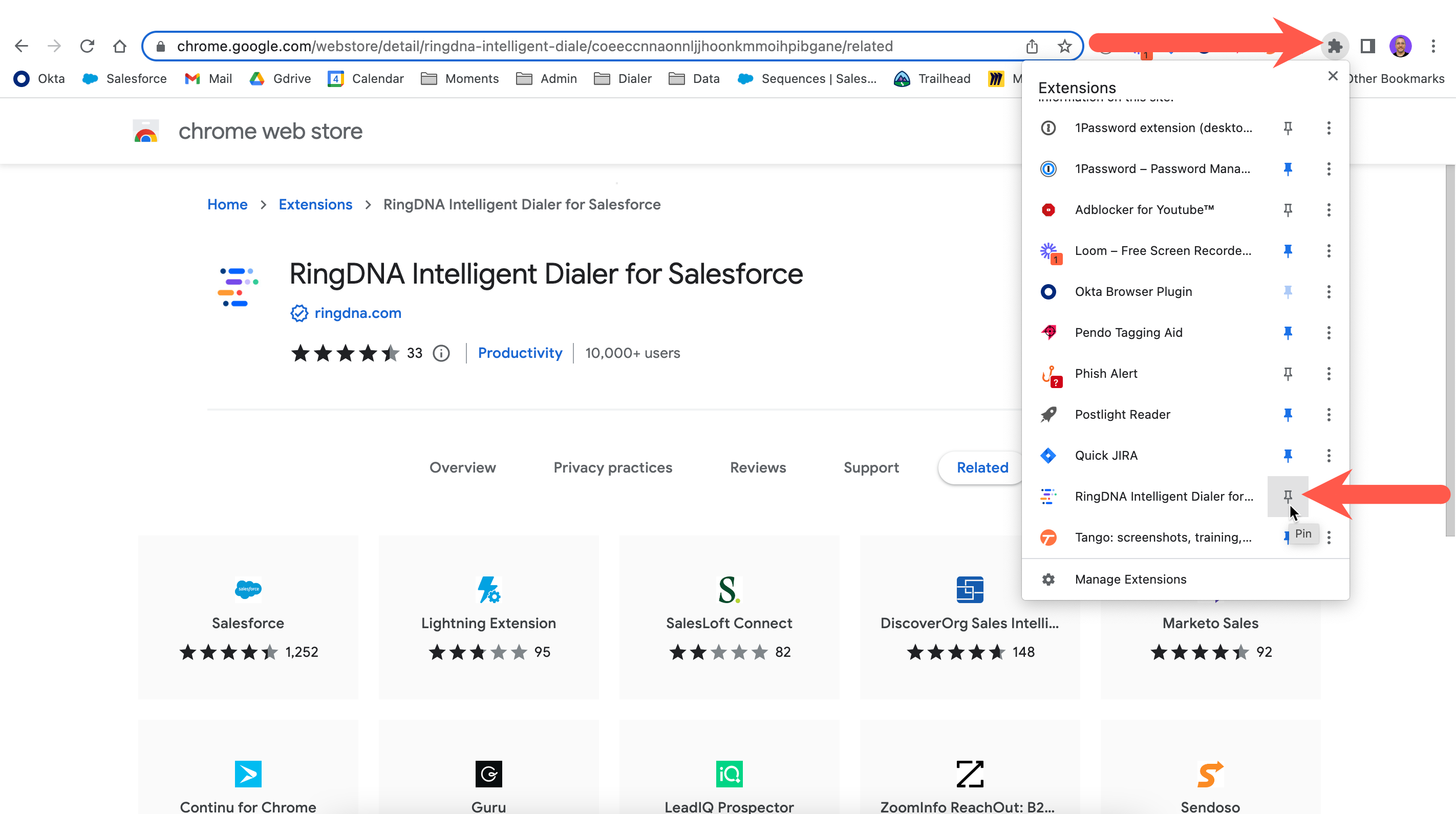
Click the icon to launch the RingDNA Dialer.