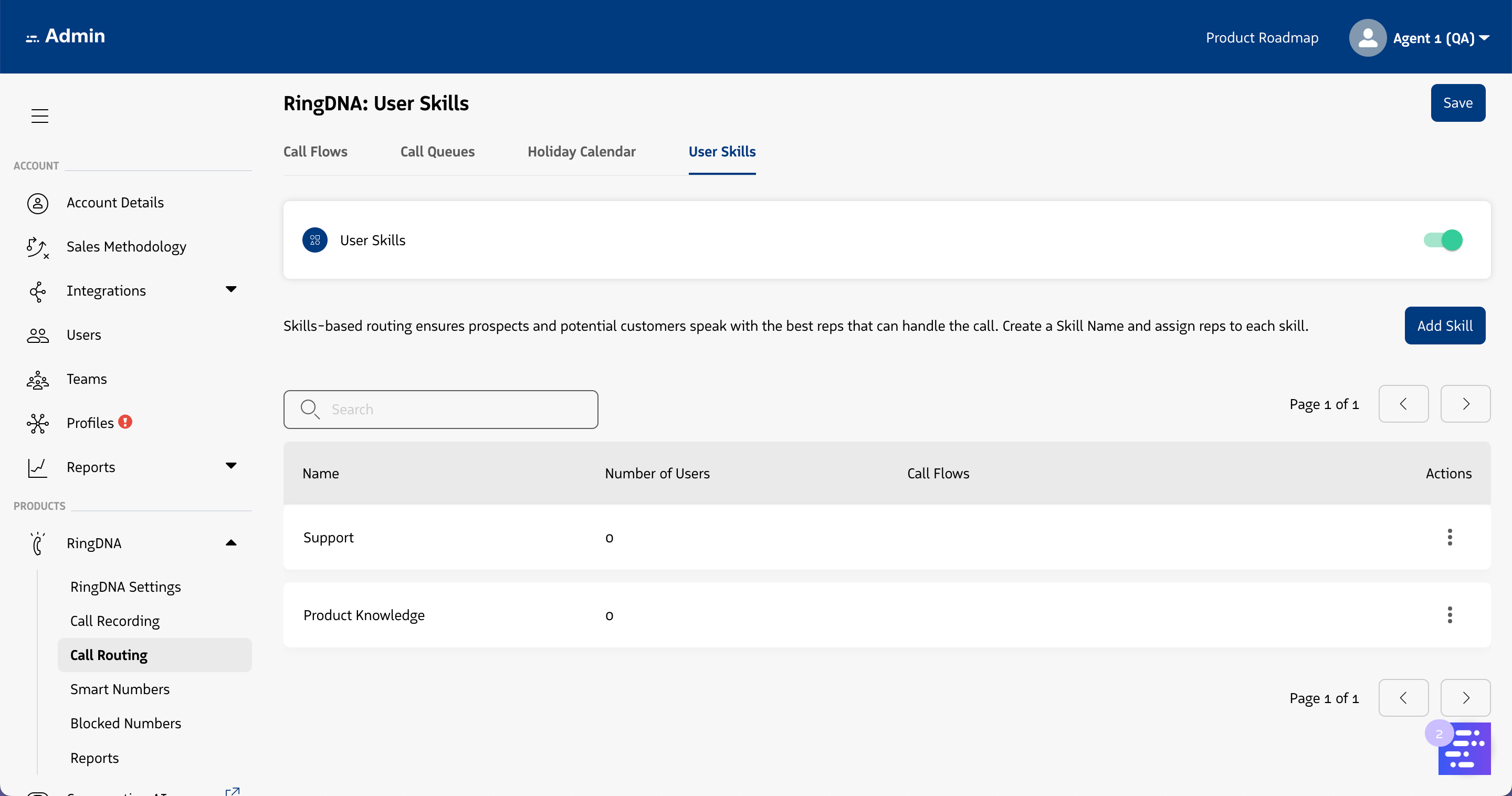
RingDNA "Call Routing" settings
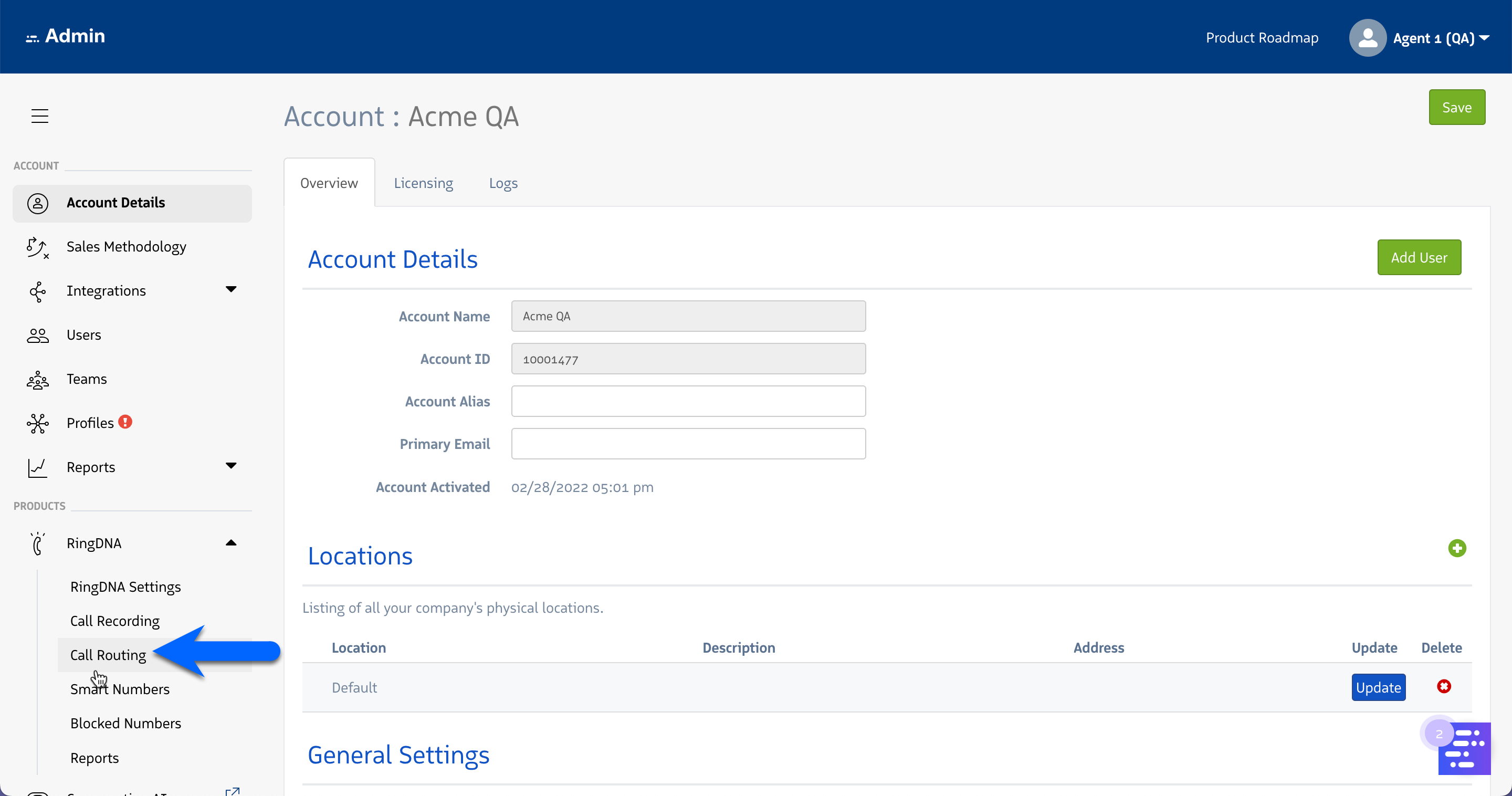
To provide a more seamless user experience while managing call routing settings in the Admin Console, several pages and settings have been consolidated into a single page under the “Products > RingDNA” menu in the left hand navigation. A link labeled “Call Routing” is visible:
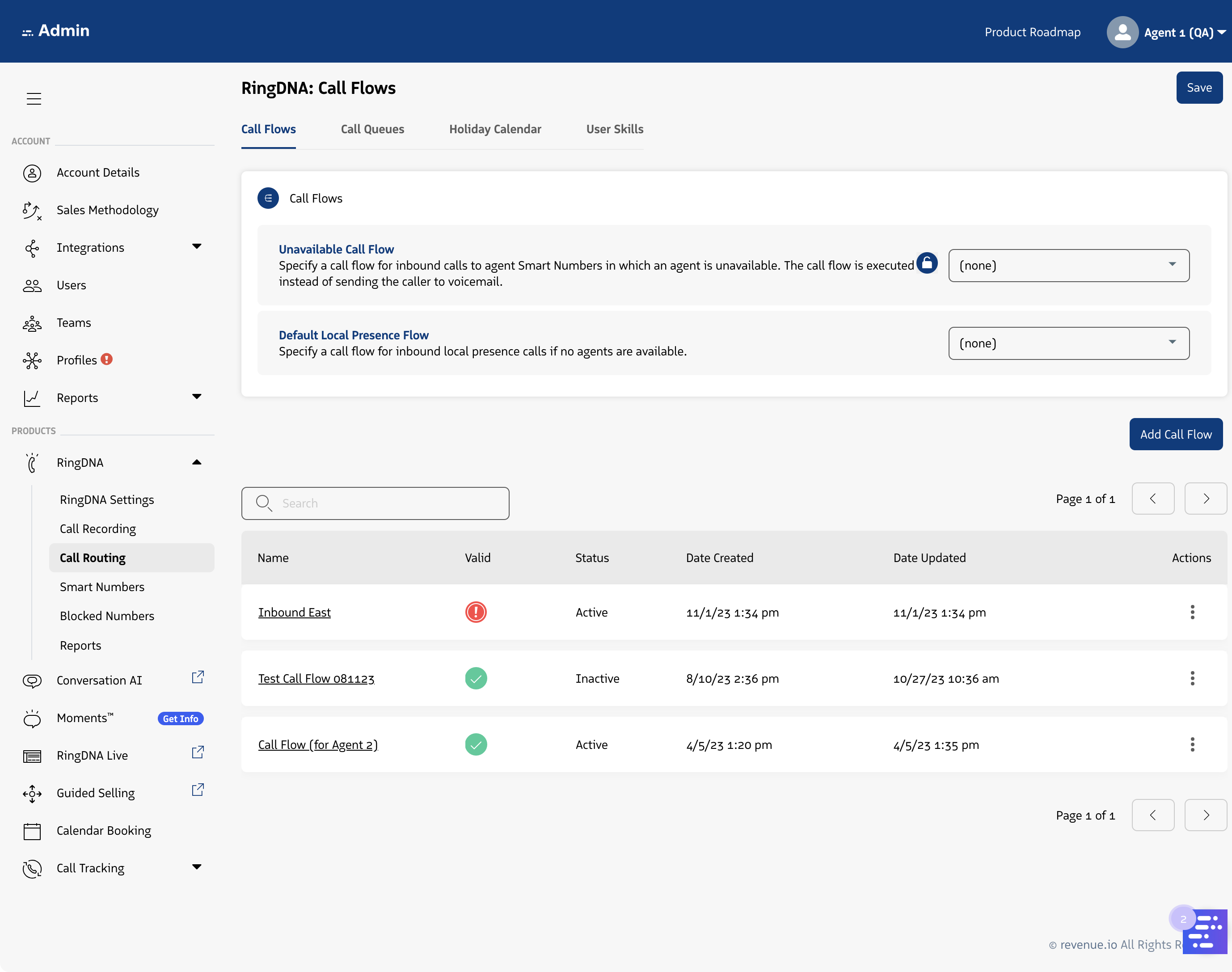
Call Flows tab
After navigating to the Call Routing page, you’ll first land on the redesigned Call Flows tab. On this tab, you’ll see that two settings have been moved here (from the RingDNA Settings page). Those two settings are:
- Unavailable Call Flow
- Default Local Presence Flow
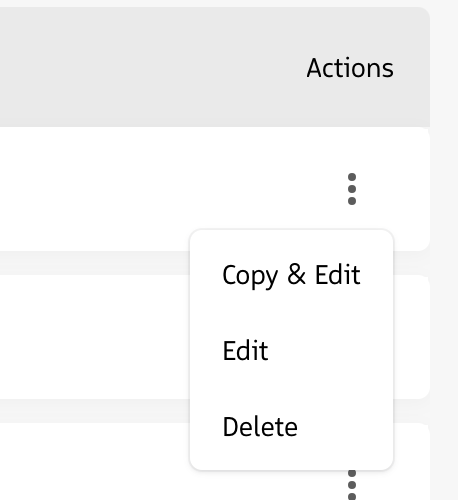
Via the “Actions” column, users can:
- Select “Copy & Edit” (previously, this was only available on each Call Flow management page individually)
- Select “Edit” to navigate to the Flow’s management page
- Select “Delete” to delete the Call Flow (if the flow is invalid or inactive)
Call Queues tab
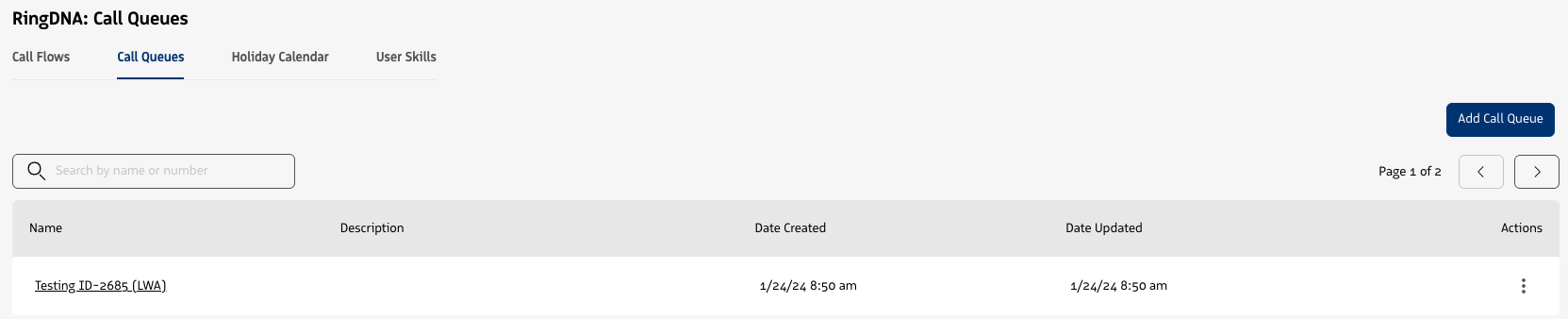
Call Queues in Revenue.io are groups of users who can answer inbound calls via the revenue.io Call Flow Routing engine. Learn more about Call Queues and the available settings in Call Queue Overview.
Holiday Calendar tab
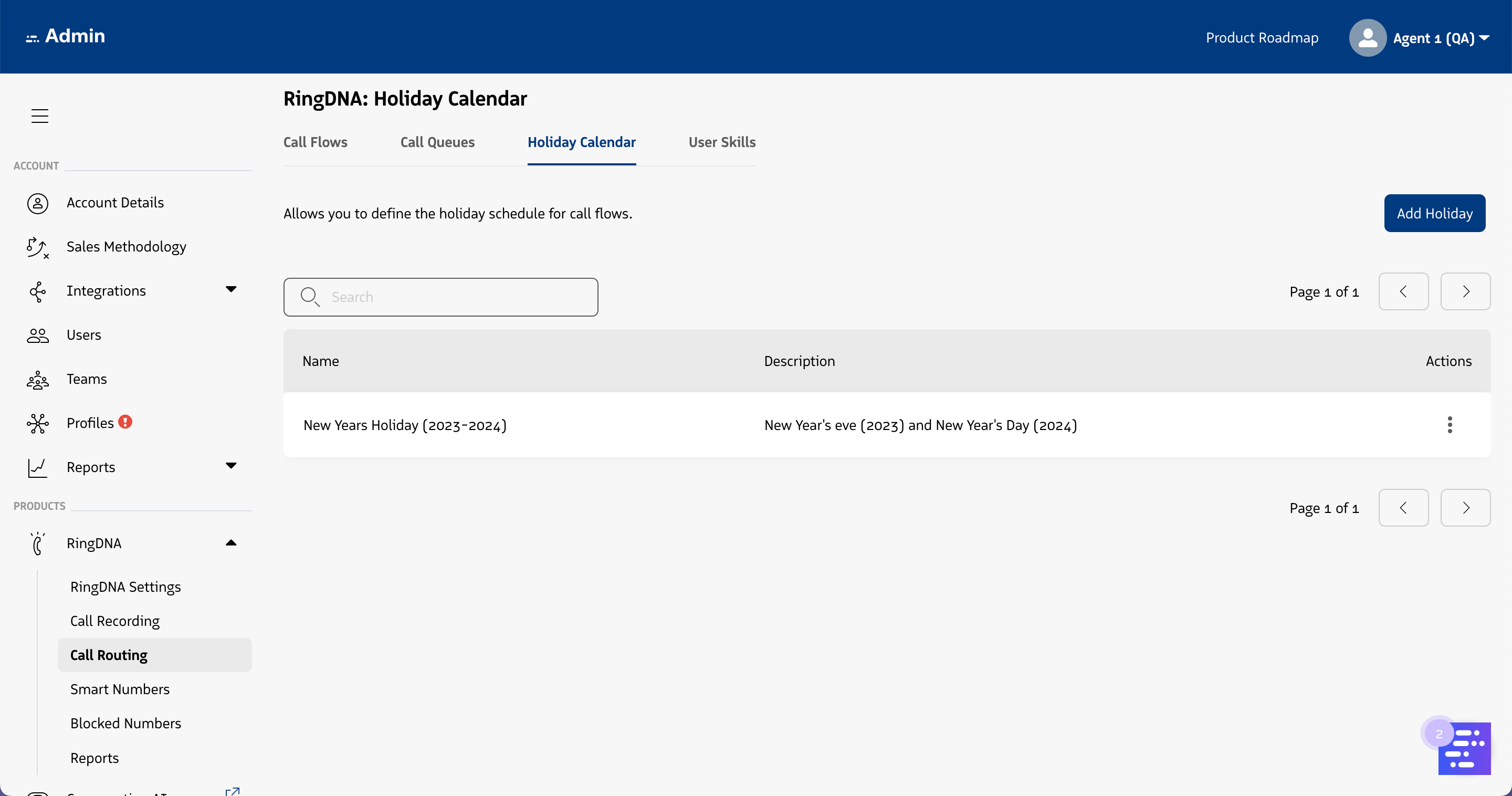
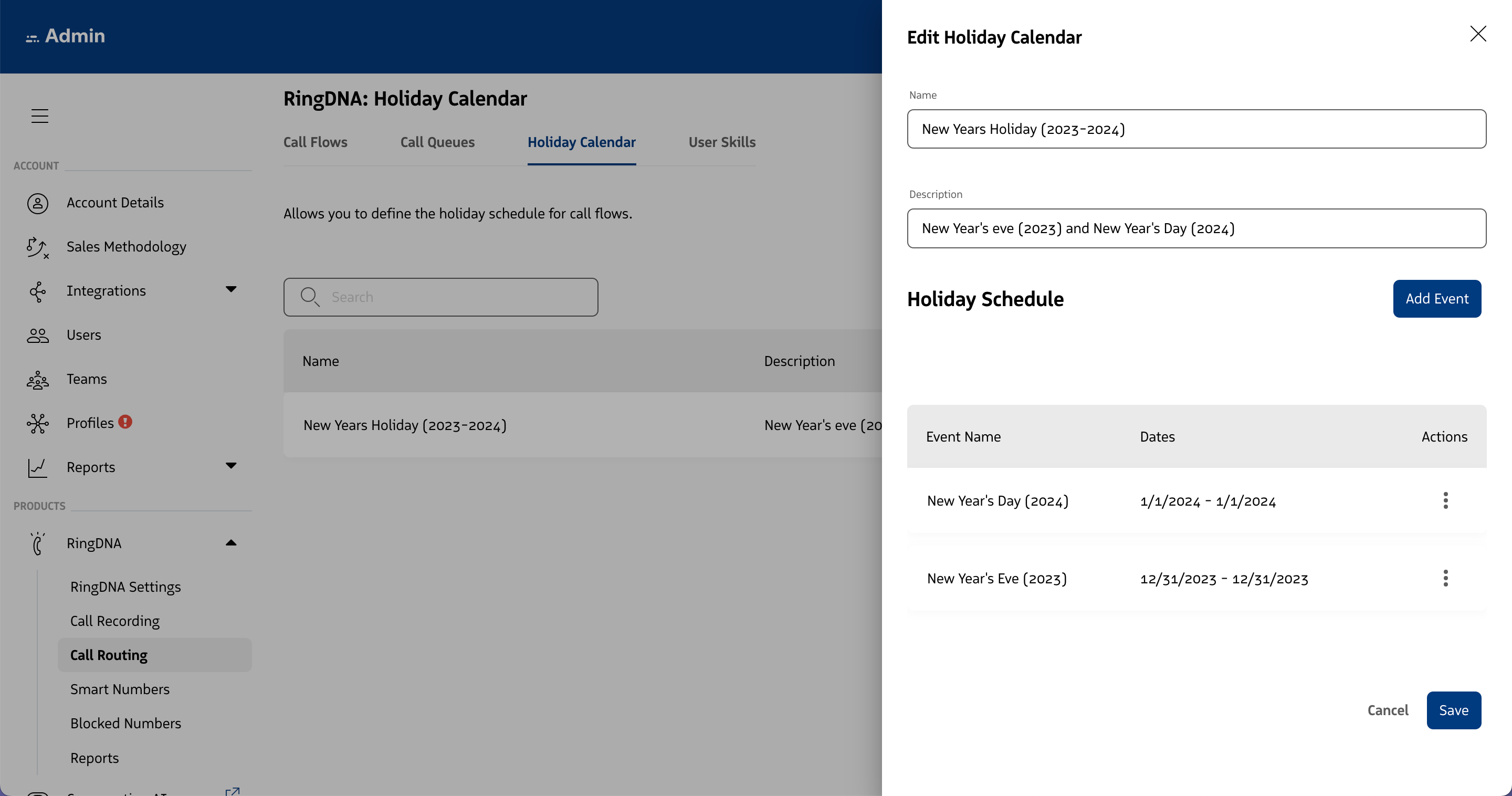
The “Holiday Schedule” setting has been moved from the “Account Details > Overview” page here and redesigned.
User Skills tab
The “Skills” page has been moved from a standalone page under the “Products > RingDNA” nav menu to here and redesigned. Some notable improvements:
- Ability to toggle ON or OFF the “User Skills” feature
- Adding a new skill is handled via a modal window (launched by clicking the “Add Skill” button