View Participants in a Sequence
Roles:
Sequence AgentSequence Admin
License:
Guided Selling
Note:
- A Sequence Agent has view-only access to Sequences and can’t make changes or deactivate participants.
When viewing the Participants tab of a Sequence, the main area shows everyone enrolled in the sequence, in active and inactive status.
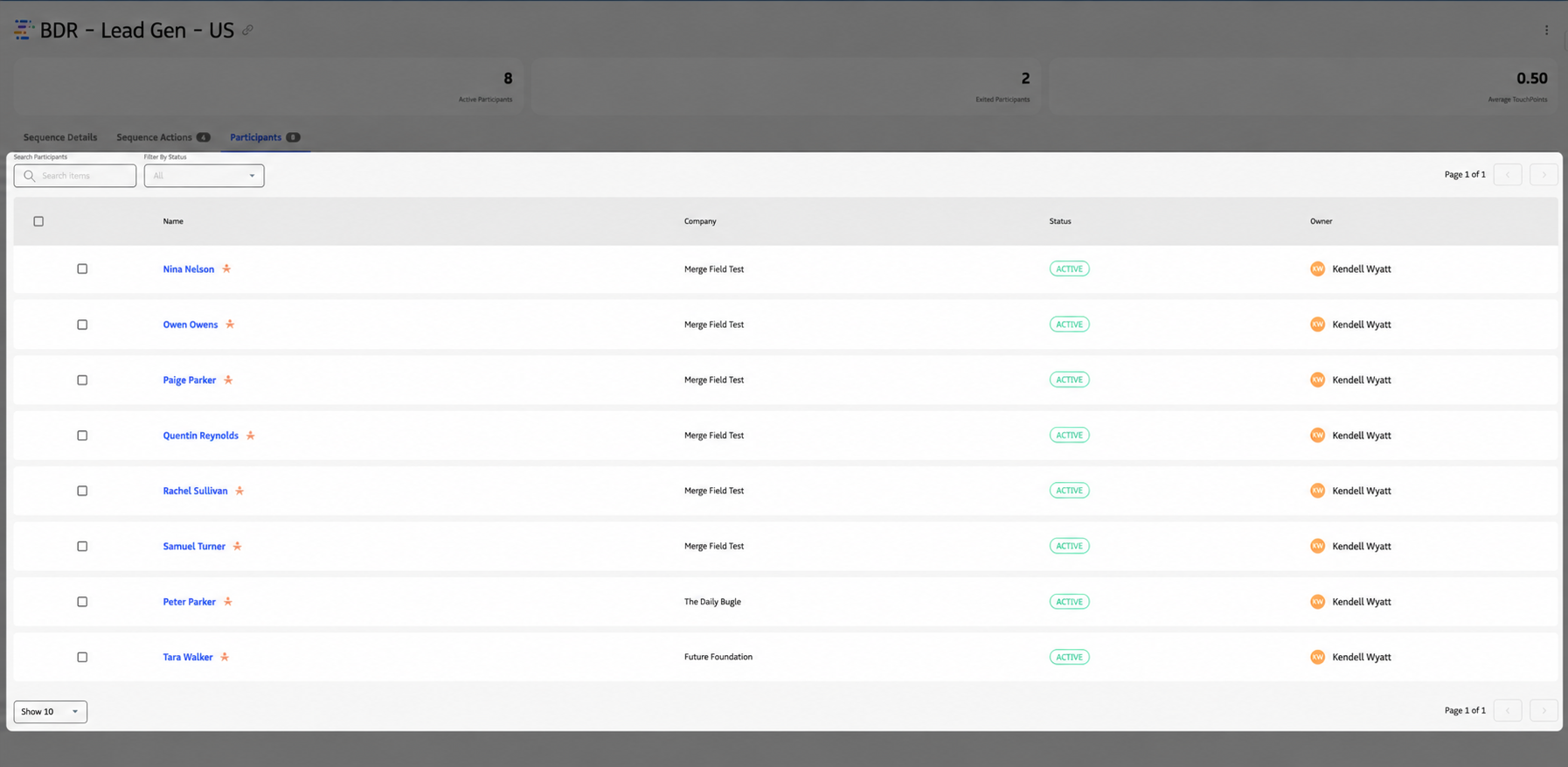
Participants list.
- Columns — Participant name, Company, Status, and Owner.
- Filter — Use
Filterto filter by Status. - Search — Use
Searchto search by participant name. - Open participant view — Click the lead or contact name to open the Participant view in Guided Selling. There you can see that participant’s progression in the sequence and create one-off actions or emails.
Manage participants
You can pause (deactivate) an individual participant so they are no longer active in the sequence but remain enrolled.
- Open the sequence and select
Participantsin the left menu. - Locate the participant (scroll or use
Search). - Select the checkbox next to the participant’s name.
- Click
Deactivate(top right of the page).
The participant is no longer active: their actions no longer appear on the Engage tab for users, but the participant is not removed from the sequence. You can filter by Status to see active vs. inactive participants.
To fully remove a participant from the sequence (rather than only deactivating them), they must either meet the sequence’s exit criteria or be removed manually from the Participant Overview page.