Skip an Action
Roles:
Sequence AdminSequence Agent
License:
Guided Selling
Use the Participant Overview to skip an action when that step is no longer needed for a participant. You can skip sequence actions and one-off actions without performing them.
Skip an action
To skip an action from the Participant Overview:
Open the action menu
- On the Actions tab, find the action you want to skip.
- Click the menu on the right side of the action.
- Select Skip.

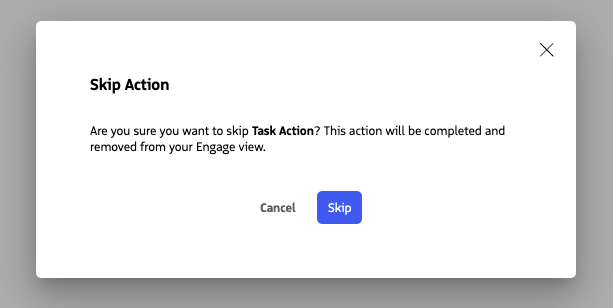
Confirm the action
- Confirm that you want to skip the action.
- For a sequence action, the participant advances to the next applicable step.
Skipping the final sequence action: If you skip the final action in a sequence, the participant reaches the end of the sequence. When Disassociate Participant after Sequence completion is enabled, the participant is disassociated from the sequence after the final action is skipped.
Skipping a one-off Task: A skipped one-off Task is recorded as Manually Skipped, not Completed. Since a one-off action is not part of the participant’s sequence progression, skipping it does not advance the participant to another sequence step.
Related actions
You can also skip actions directly from Engage. For Engage-specific steps, see Skip Actions on Engage.