Reschedule an Action
Roles:
Sequence AdminSequence Agent
License:
Guided Selling
Use the Participants tab or Participant Overview to move an action to a different date and time.
From Participants, you can manage actions directly from the participant’s action list. You can also click the participant’s Name to open Participant Overview for additional participant and sequence context.
Reschedule an action
You can reschedule an action from either Participants or the Actions tab in Participant Overview.
Open the action menu
- Find the action you want to reschedule.
- Click the menu on the right side of the action.
- Select Reschedule.

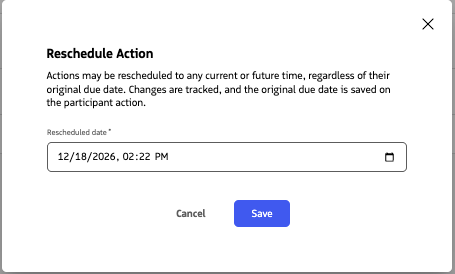
Choose a new date and time
- Select the date and time when you want the action to become due.
- Confirm the change.
The action is updated with the new expected execution date and time.
Related actions
You can also reschedule actions directly from Engage. For Engage-specific steps, see Reschedule Actions on Engage.