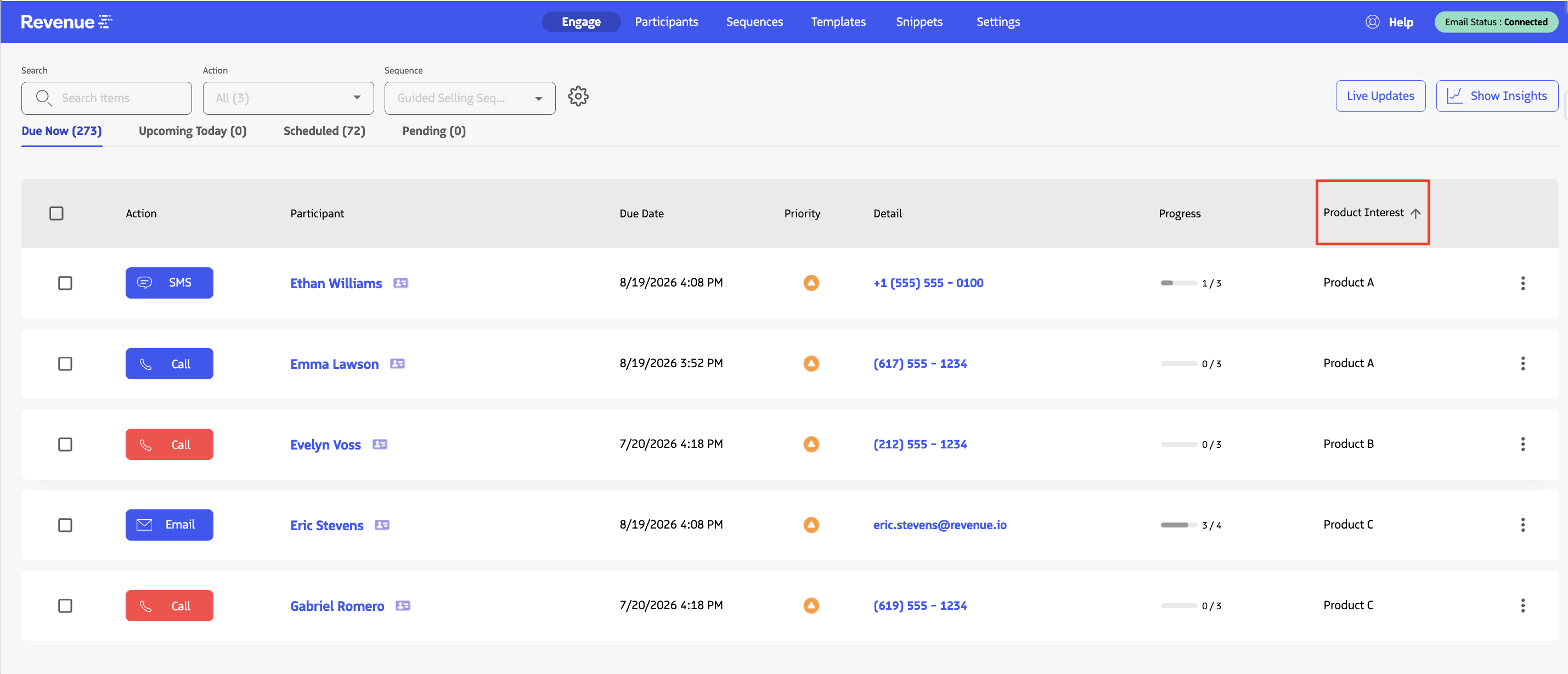
Sort columns on Engage
Role:
Sequence Agent
License:
Guided Selling
Sort the Engage list by supported standard and custom-field columns to scan and prioritize actions.
What it does
Click a supported column header in Engage to sort actions in ascending or descending order. For example, you can sort by fields such as Participant, Due Today, Progress, or a supported custom field.
Supported Lead and Contact custom fields that have been added to Engage as columns can also be sorted.