Connect your Email
Role:
Sequence Agent
License:
Guided Selling
To send emails through Guided Selling, you need to connect your email account. This enables Guided Selling to send emails on your behalf and track email engagement in Salesforce. The process of connecting your email takes just a few minutes.
Connecting Your Email
Access Email Settings
- From the
Engagetab, locate theEmail Statusbadge on the top-right - Hover over the badge and click the
Visit Consolelink.

Connect Your Email
- On the Integrations page, click
Add Integration

- Choose to sign in with Microsoft or Google
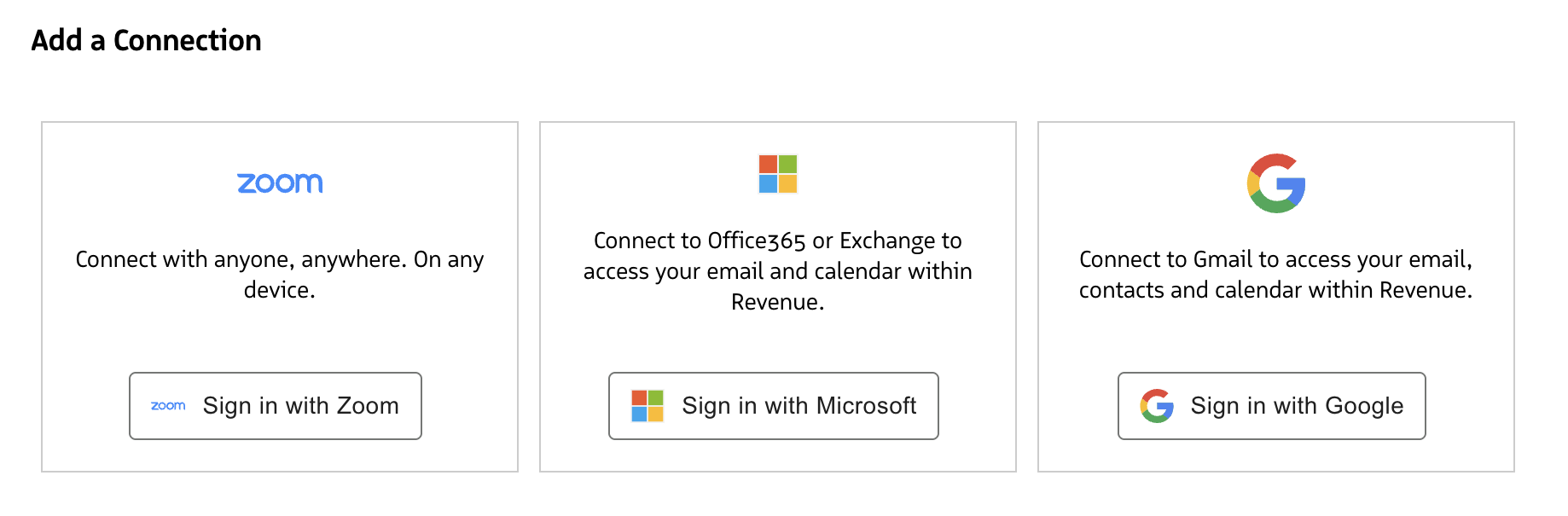
- Follow the on-screen steps from your email provider
- After you are redirected back to the Integrations page, confirm that the connection status shows
RUNNING