Complete Your First Action
After you enroll a participant in a sequence, their assigned steps appear as Actions you complete from Engage.
Actions are the calls, emails, SMS messages, and Salesforce tasks the sequence assigns to you for each participant, tracked with due dates and status until you complete, skip, or defer them.
Engage
Engage is Guided Selling’s main list for what is due across your participants. Use it to place calls, send email or SMS, and close tasks from one table instead of hunting through records or lists in Salesforce.
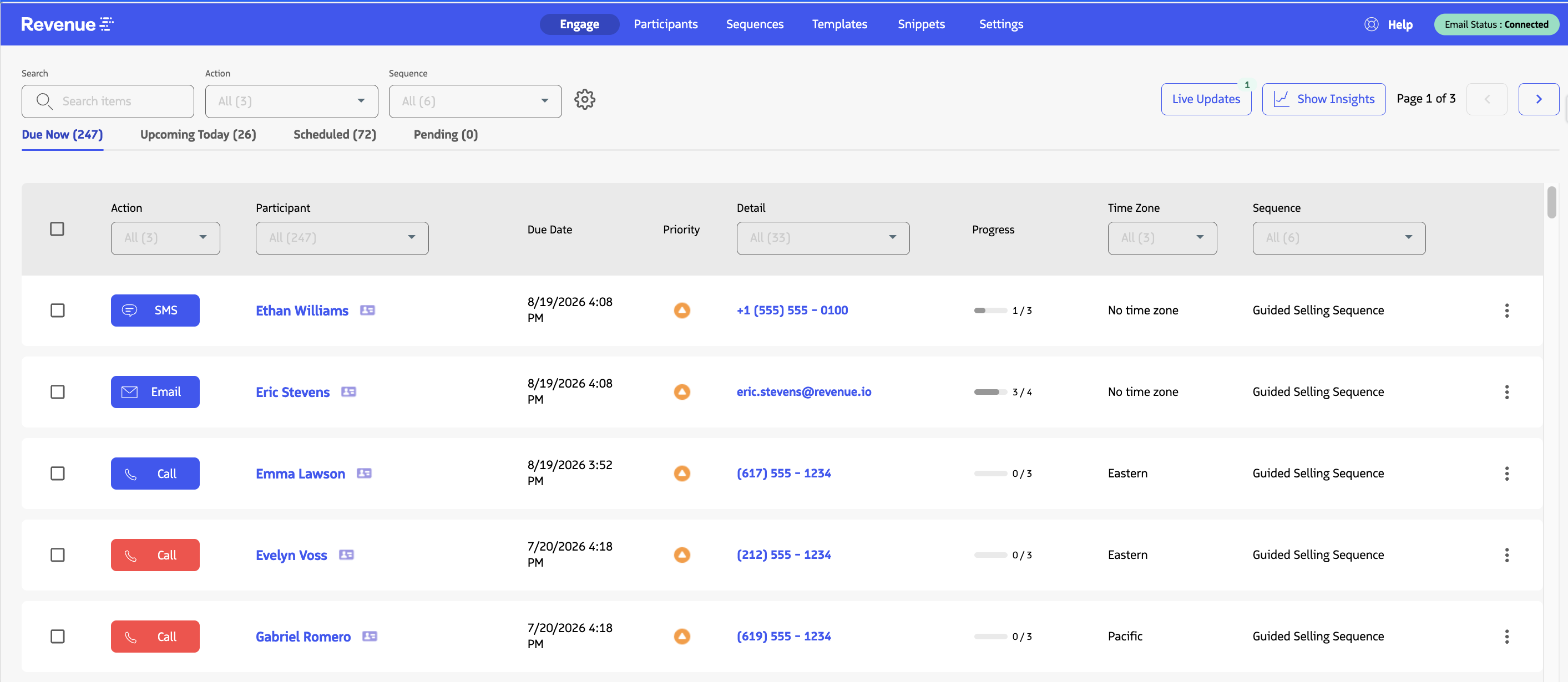
Engage shows your due participant actions and the controls to complete each step.
If you do not see the app or the Engage tab, ask your administrator to confirm permissions and app visibility, or see Access Guided Selling.
Complete an Action
- Open the
Engageview. - Ensure you are on the
Due Nowtab. - Click the relevant action button (
Call,SMS,Email, orTask).
After you complete the action, it is automatically removed from Engage.
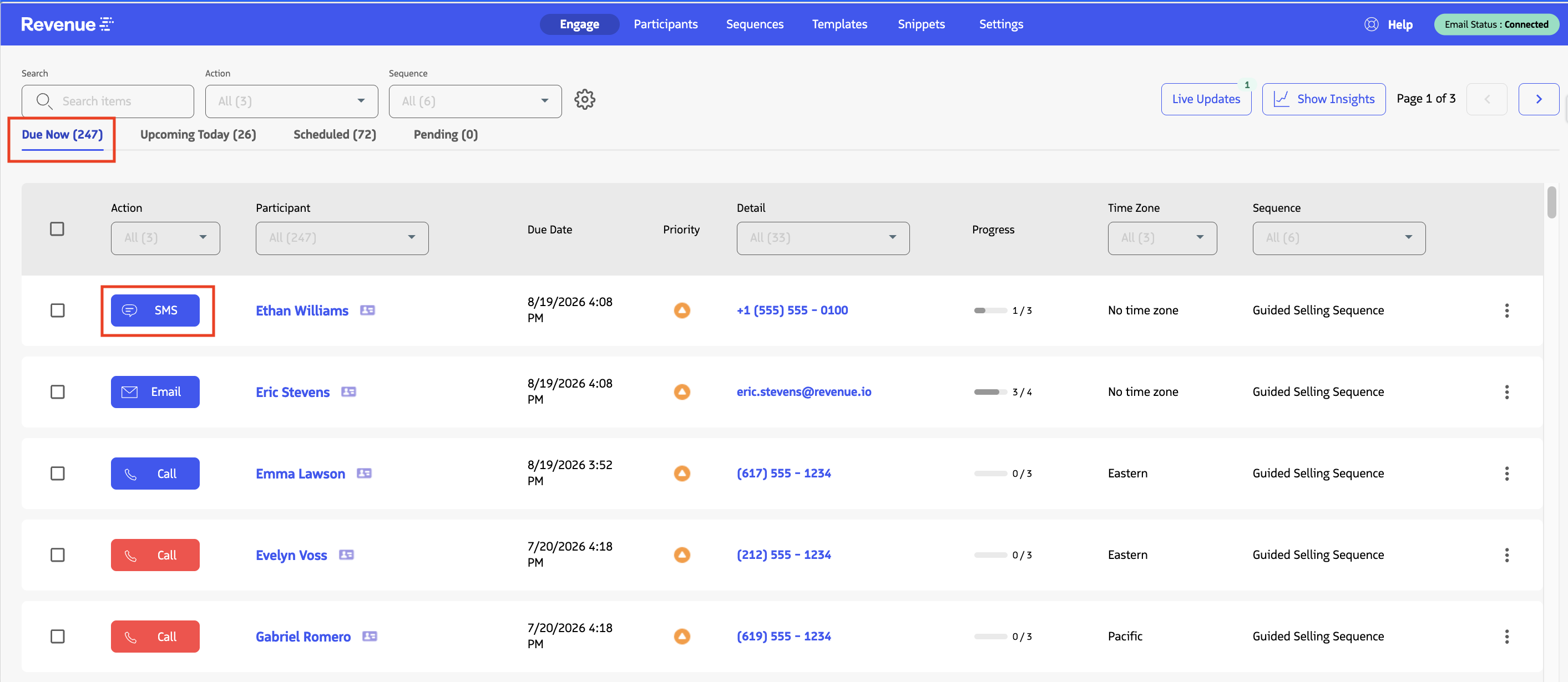
Action buttons in the Engage view let you quickly complete Calls, Messages, Emails, and Tasks.
Each action type opens the work context you need to complete that step:
- Call and SMS actions open your RingDNA Dialer and start the call or message flow.
- Email actions open an email editor so you can review and customize the template before selecting Send.
- Task actions represent Salesforce tasks and let you update task status in Engage when the work is complete.
Continued Learning
Now that you know the basics of working from Engage, read the guides below which cover deeper Engage workflows: