Connect a Calendar Provider
Connect a Calendar Provider
To begin using Calendar Booking, users must integrate a Calendar Provider in the Revenue Admin Console.
To get started, log into the Revenue.io Admin Console at https://app.revenue.io/
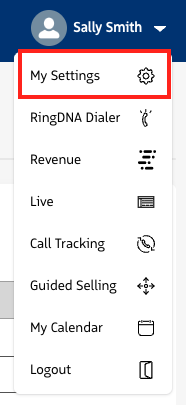
Click on your user profile dropdown and select My Settings
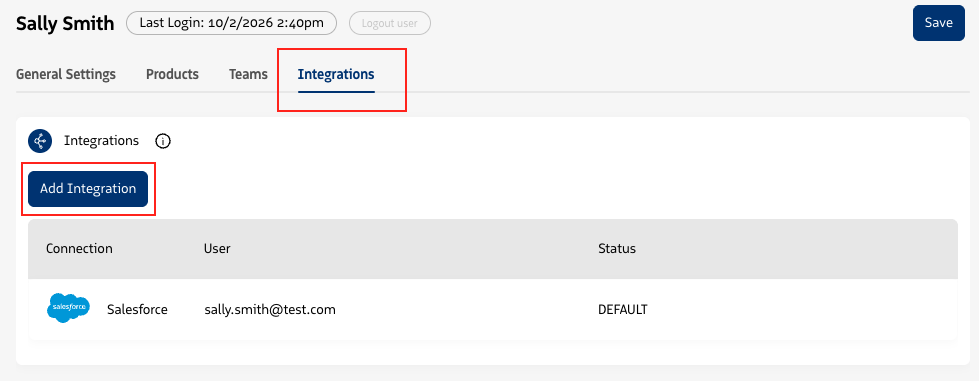
On the Integrations tab, click Add Integration
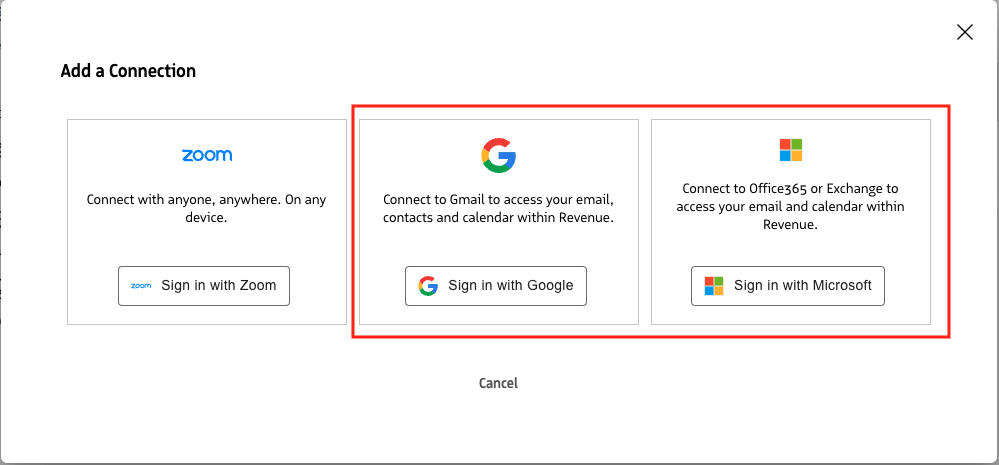
Choose the calendar provider of your choice (Gmail or Microsoft Office 365/Exchange), and login with your credentials
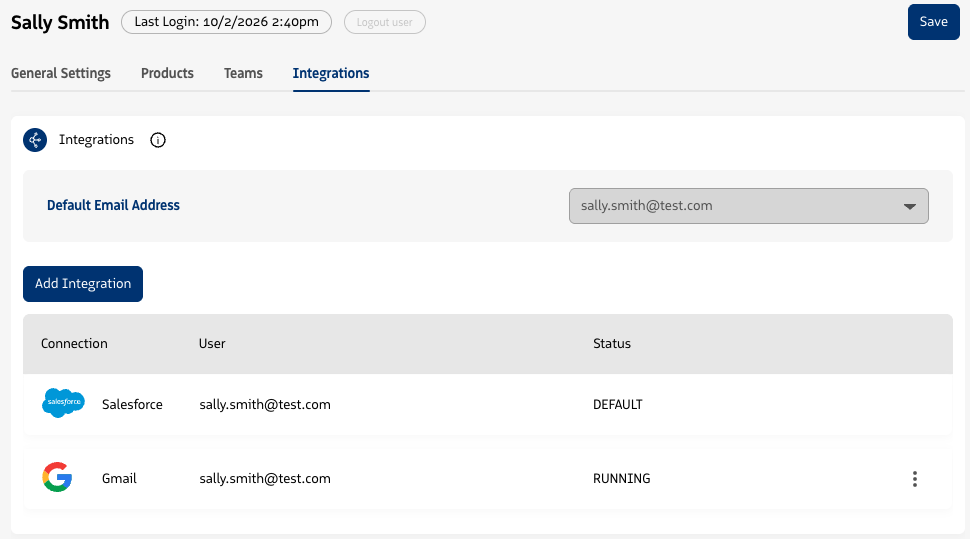
On successful connection, your calendar will show as RUNNING.