Calendar Booking
Automate meeting scheduling and make it easy for prospects and customers to book time.
Revenue.io Calendar Booking lets prospects and customers book meetings with you on their own. Instead of going back and forth to find a time that works, you share your available times, based on your calendar and preferences, and they pick one. This helps SDRs book more demos and helps AEs make sure the demos they set actually happen.
Who can use Calendar Booking?
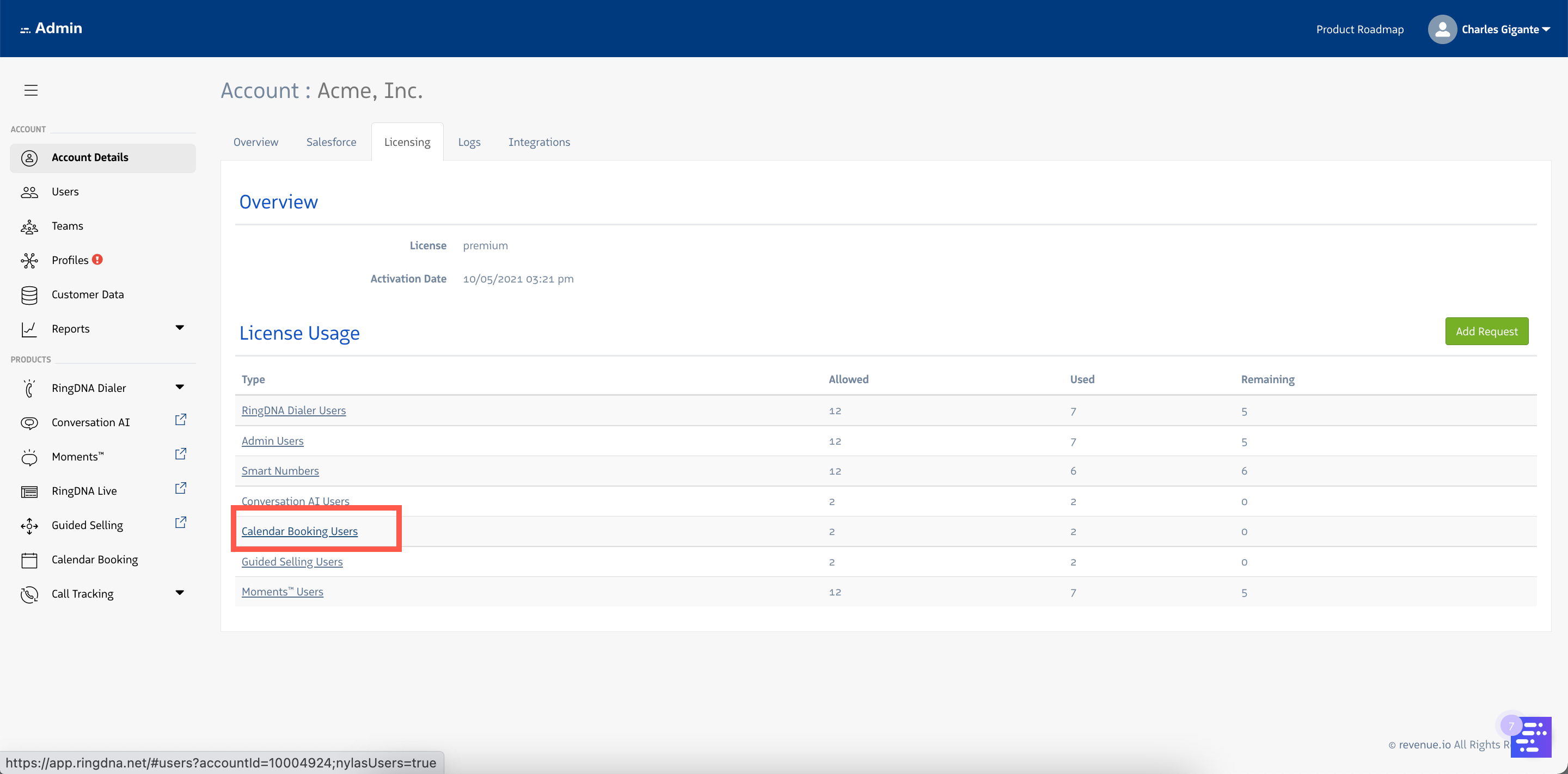
Calendar Booking is available to Revenue.io customers with a Calendar Booking licenses:
Connecting Calendar Providers
Calendar Booking requires users to connect either their Gmail or Microsoft accounts via the Revenue Admin Console.
Explore Calendar Booking
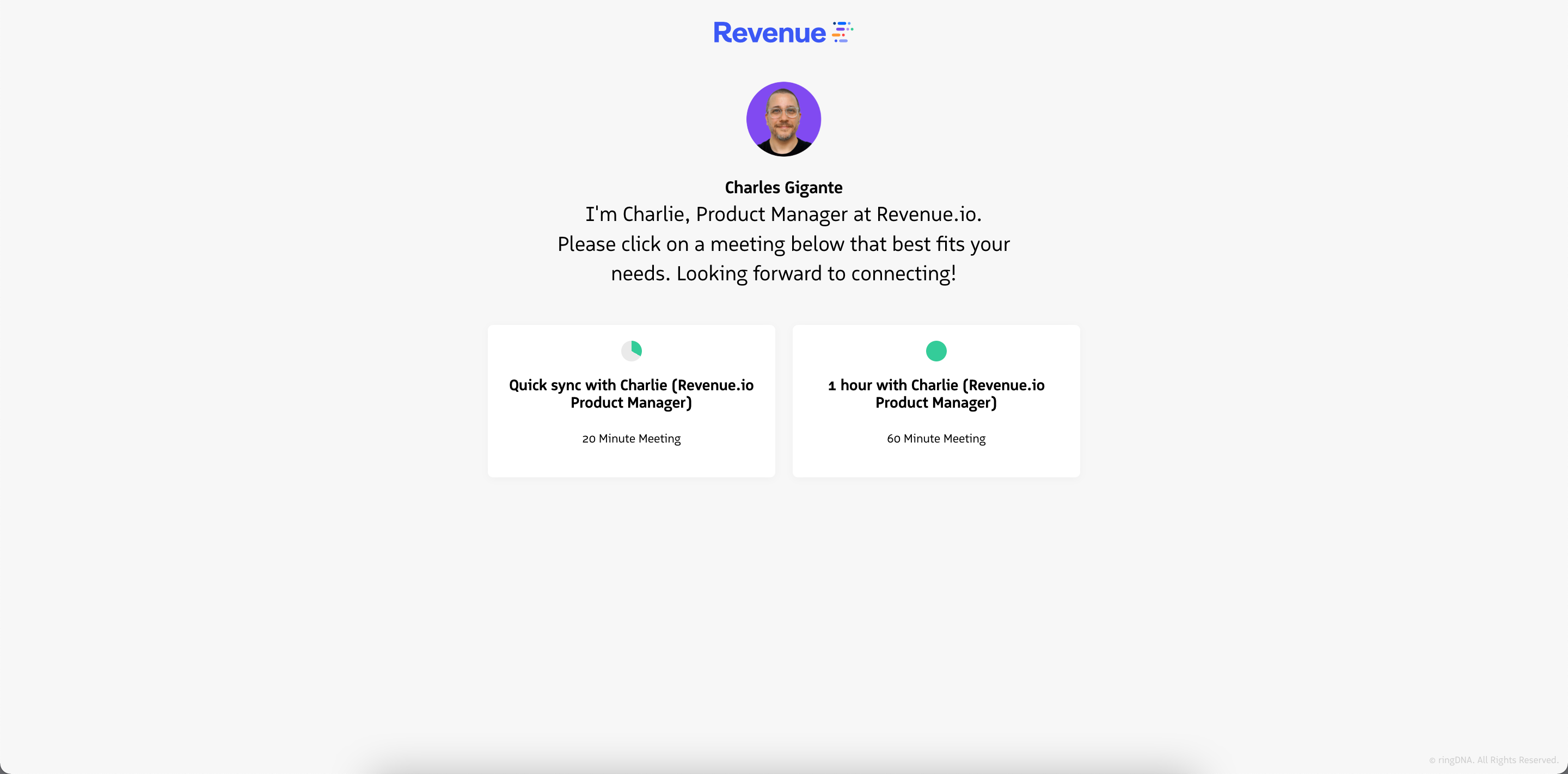
Calendar Booking Page
You can access you* Calendar Booking Page* via the Personalize tab in Calendar settings. Click here to learn more about this tab.
The format of your Booking Page URL is:
https://my.ringdna.net/firstname-lastname/calendar
Example of a* Calendar Booking Page*: