View Licenses Associated to a User
To view product licenses associated with an individual Revenue user, follow the below steps:
Step 1: Log into the Admin Console
Step 2: Click on Users in the left hand navigation. Then click a user name.
Step 3: Click the Products tab. Each product has a toggle, and the products the user is licensed for are turned on.
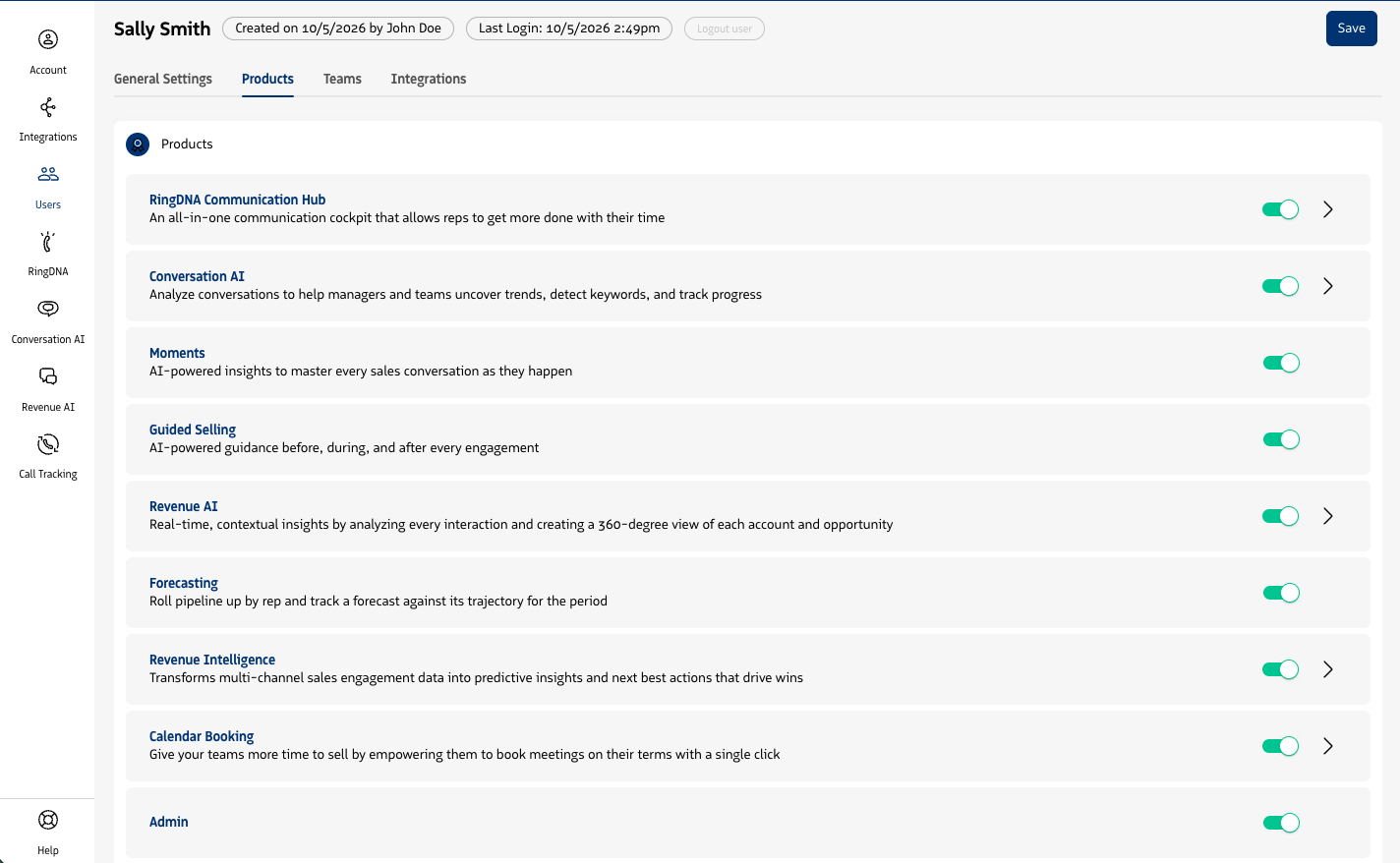
To assign or remove a license for this user, turn the product’s toggle on or off. A toggle is unavailable when you have no licenses left for that product. To change licenses for many users at once, see Assign licenses to users.