Viewing logs of Salesforce Errors
To view Salesforce Error logs, log into the Admin Console, browse to “Account Details” and select the “Logs” tab.
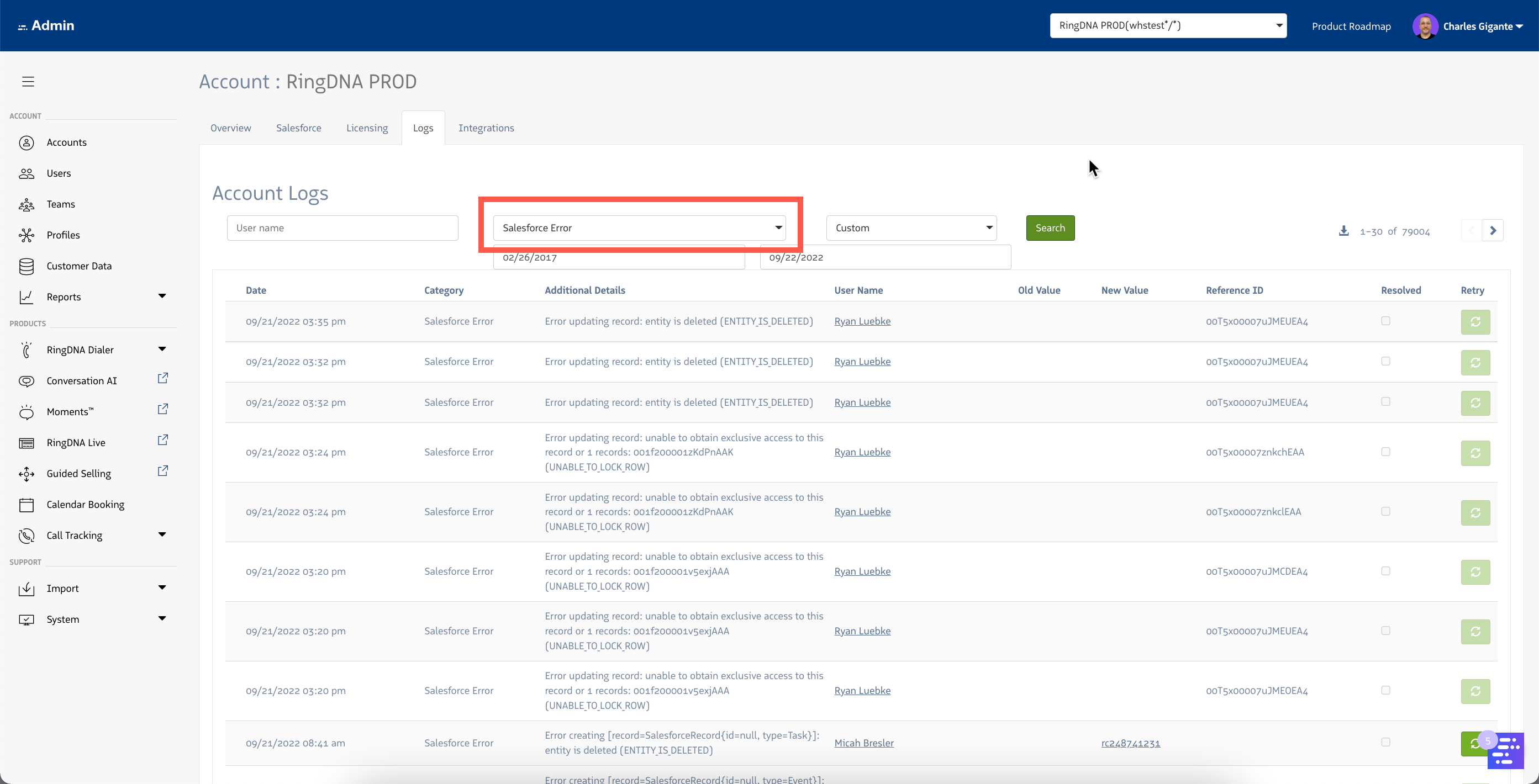
On the tab, select “Salesforce Error” from the “Category” dropdown:
To view Salesforce Error logs, log into the Admin Console, browse to “Account Details” and select the “Logs” tab.
On the tab, select “Salesforce Error” from the “Category” dropdown: